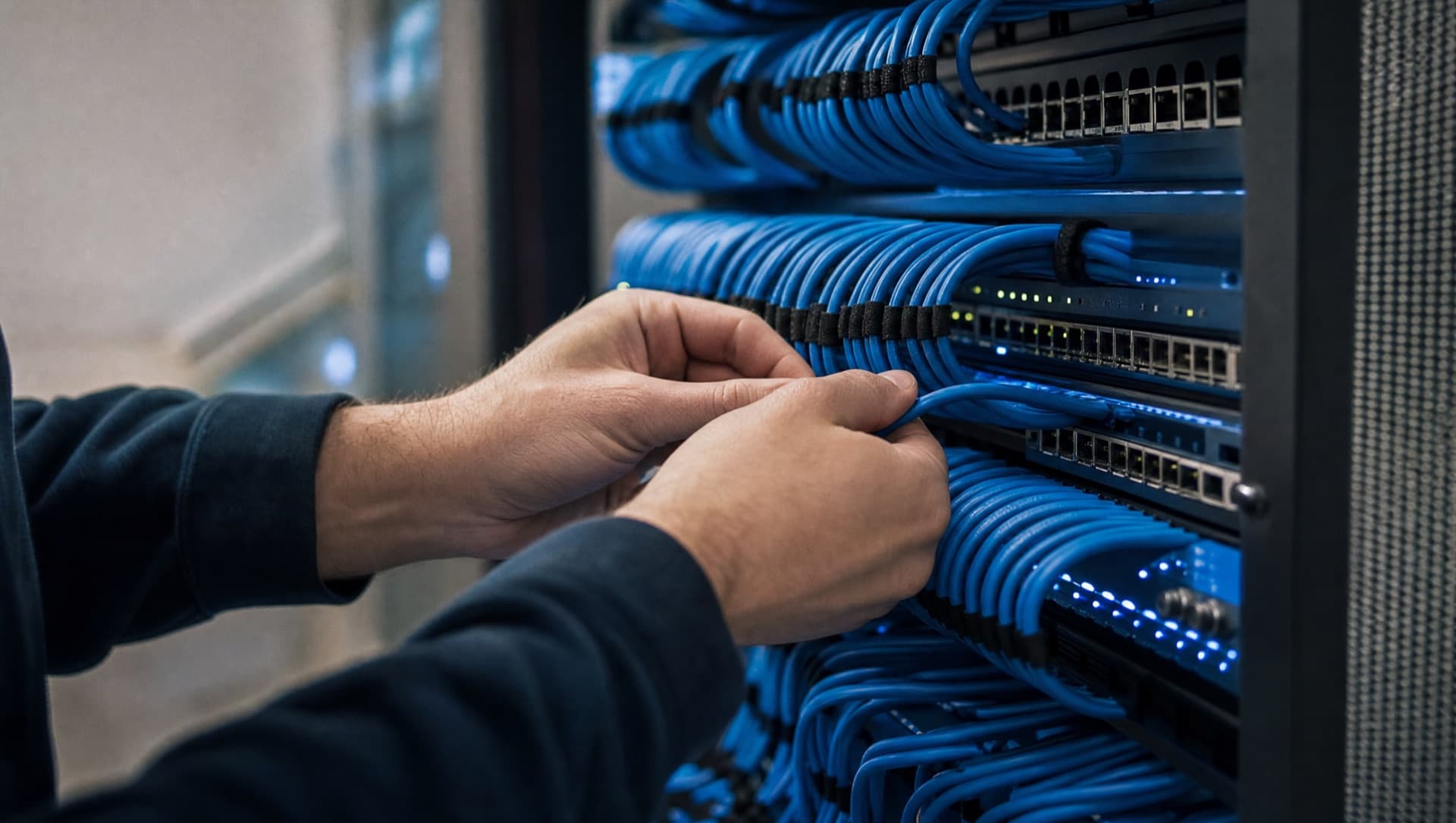
Server room in a business: what belongs in it
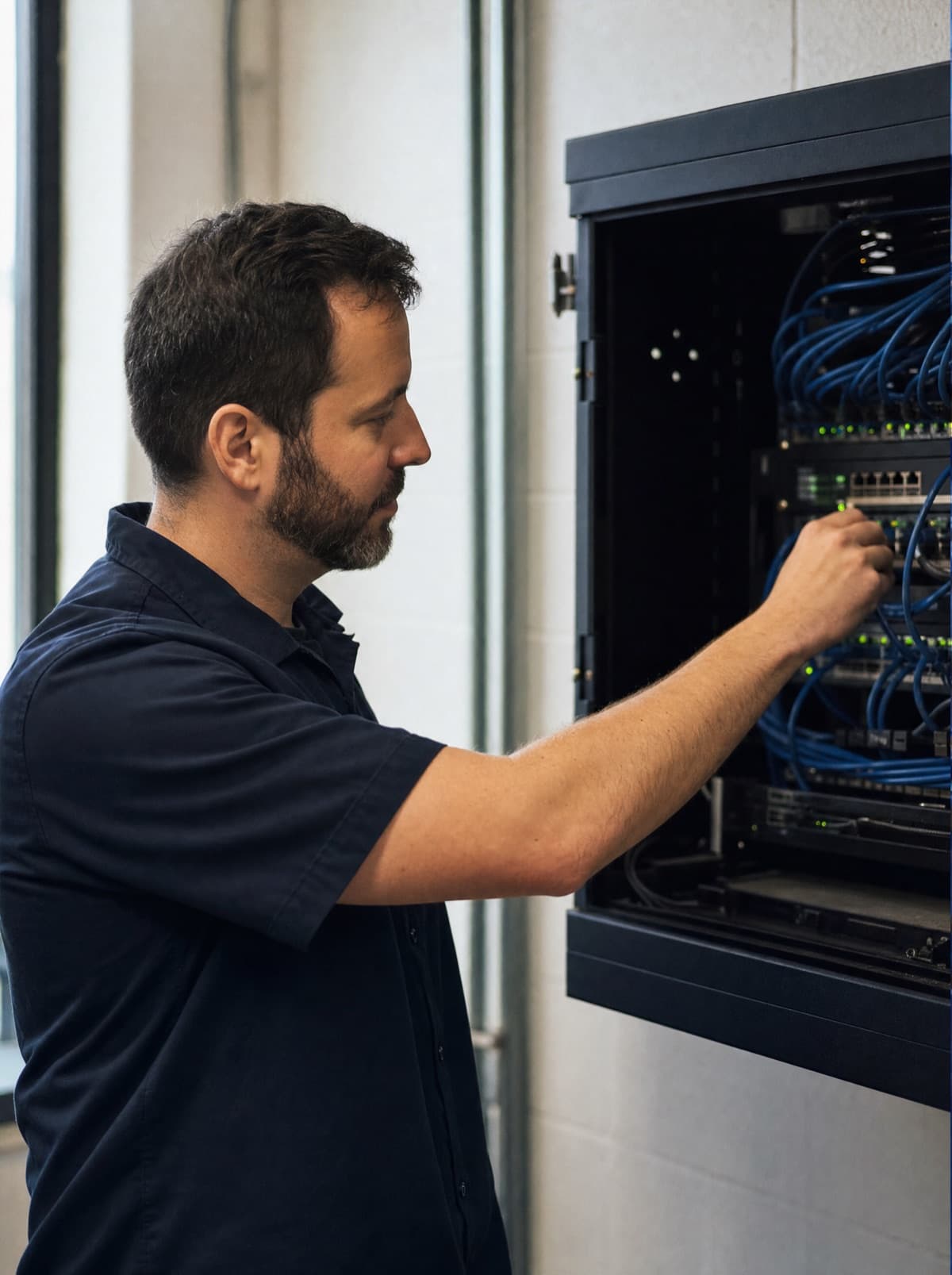
A server room for a mid-sized business rarely needs a scaled-down data center. What it needs is a room that's large enough, air-conditioned, secured against unauthorised access, with stable power, a UPS for short outages, and cleanly routed cable paths. What's usually missing isn't the expensive components – it's the simple ones: enough space to actually do maintenance, an access setup that's traceable, and cabling that someone else can still make sense of in a few years' time.
How big does a server room actually need to be?
The racks themselves are usually the smallest problem – a standard rack with the usual 42 rack units doesn't take up much floor space. Things get tight when nobody thought about clearance in front of and behind the rack: swapping devices or re-routing cables needs room to open the rear panel and work with tools without contorting yourself. Just as commonly underestimated is space for air conditioning and for a second rack that arrives a few years down the line. A room sized exactly for today's equipment is already too small at the next expansion – whoever can, plans from the start for at least one additional rack.
- Plan enough clearance in front of and behind every rack so doors and rear panels can be opened fully
- Reserve space for a second rack even if only one is needed right now
- Plan space for the air conditioning unit and UPS separately, not as leftover space next to the rack
- Check the door width – a rack has to fit through the door as a whole, not just in pieces
Power and UPS: how long does the business need to be able to bridge an outage?
A server room needs its own, adequately sized power circuit, not a power strip on an office circuit. An uninterruptible power supply (UPS) absorbs short mains fluctuations and outages while also protecting against damage from abrupt shutdowns. How long the UPS needs to bridge an outage depends on the business: is it enough to shut systems down cleanly within a few minutes, or does the business need to keep running for longer until a backup generator takes over? There's no blanket answer to that – it depends on what actually grinds to a halt during a power outage, and what that costs. What matters is testing the UPS regularly – a battery that hasn't been tested in years often bridges a real outage for far less time than assumed.
- A dedicated, adequately sized power circuit for the server room, separate from normal office lighting and sockets
- Size the UPS at minimum to let all systems shut down in a controlled way
- For continuously critical operations, consider a backup generator that extends UPS runtime
- Test UPS batteries regularly, not just at commissioning
Cooling: is a normal air conditioning unit enough?
Servers generate heat continuously, including at night and on weekends when nobody's in the building. A normal room air conditioner designed for the comfort cooling of people is usually the wrong choice – it's built for fluctuating loads and human presence, not a constant heat source running around the clock. Precision cooling sized to the actual heat load of the equipment, with enough redundancy that a single unit failing doesn't immediately become a heat problem, makes more sense. Just as important as the cooling capacity itself is monitoring: a temperature sensor that automatically alerts once a threshold is crossed stops a cooling failure from only being noticed once devices start shutting down.
A server room with no windows and a closed door heats up faster than expected once cooling fails. Simple temperature monitoring with an email or SMS alert costs little and buys valuable time before things get serious.
Access and fire safety: what a server room genuinely needs
The server room should be lockable, with traceable access rules – who's allowed in and when and, ideally, a log of who actually went in. A key passed around among several people with nobody keeping track of who has it isn't access control. On fire safety: an ordinary water sprinkler is a bad idea in a server room, since in a real event it destroys exactly the hardware it's meant to protect. Smoke detectors with early fire detection make more sense, plus, depending on room size and risk, a water-free suppression system. For most SME server rooms, early fire detection with automatic alerting is enough – a full suppression system only pays off above a certain room size and asset value.
- A lockable room with clearly regulated, documented access instead of a key circulating freely
- Smoke detectors with early fire detection instead of an ordinary water sprinkler
- Only consider a water-free suppression system if room size and asset value justify it
- No storage of flammable material (boxes, packaging) in the server room, not even short-term
How we plan, build and then monitor server rooms for businesses is explained on our server room page.
See server roomCabling and rack layout: what matters when building it out
Inside the rack, tidiness pays off quickly: patch panels cleanly separated from active equipment at the top or bottom, cables labelled at both ends, and enough cable management that a single cable can be pulled without disturbing ten others. Rack units shouldn't be filled to the very last slot – a rack that's packed solid is neither easy to cool nor easy to expand later. What many businesses can skip: needlessly expensive specialist components when standard hardware is entirely sufficient for their size. The server room needs to match actual need, not whatever a catalogue lists as the maximum configuration.
Where in the building should the server room actually be?
Location often matters more than equipment. A server room underneath a bathroom, next to a kitchen, or in the lowest basement level that floods first in heavy rain is a risk that no amount of good hardware fully offsets. A sensible location has no water-bearing pipes above or directly next to it, sits at a realistic distance from flood risk, and has wall and ceiling construction that offers at least some fire resistance. Anyone repurposing an existing room should take these points just as seriously as with a new build – a rack installed later in an unsuitable room stays an unsuitable room, just with more expensive equipment inside it.
How NDVDL takes care of your server room
NDVDL plans and builds server rooms for SMEs in Austria and Slovakia, often in existing rooms that are being repurposed. On site we look at location, power, cooling and access, and ask what actually stops in your business when something fails. The result is a written proposal that fits your needs – covering what is necessary and what you can do without.
After the build we stay responsible: monitoring temperature and the UPS, testing UPS batteries, keeping the rack in order and maintaining documentation that belongs to you. You have one fixed contact. Whether all servers need to stay on your premises at all, or some services are better moved to the cloud, is something we discuss openly – it is a question of IT investment, not of belief.
Have a room in mind but not sure it works as a server room? We'll look at it on site and then tell you in writing what fits and what is missing.
Have the room assessedFrequently asked questions
Questions about your IT infrastructure?
Talk directly to our team — no obligation, no detours.