IT in the Warehouse: Wi-Fi, Scanners, Connectivity
Warehouse IT needs Wi-Fi that works between tall racking rows, in cold storage and at the loading dock, not just where an access point is convenient to mount. Scanners and forklift terminals have to stay connected when moving between radio cells without a transaction getting stuck, and the link to the warehouse management system has to hold even when goods receiving is at its busiest. These requirements differ clearly from office Wi-Fi and call for their own planning.
Planning works best when IT and warehouse management sit at the table together from the start: IT knows the radio technology and the network side, warehouse management knows the routes forklifts actually drive and the points where a dead zone costs the most. Ask only one side, and the information that actually makes the difference is usually the piece that's missing.
Why is Wi-Fi planning in a warehouse different from an office?
Racking rows loaded with metal goods, steel structures and large open hall heights behave completely differently for radio signals than office walls made of drywall. A fully loaded metal rack can act, in places, like a sheet-metal wall — creating a dead zone that a single, centrally mounted access point can barely close. Planning therefore has to start from the actual floor plan and how the racking is loaded, not from a flat square-meters-per-access-point rule of thumb that often works well enough in an office.
- Plan coverage based on rack height, loading and aisle width, not a flat formula
- Position access points so aisles are covered end to end, not just the main walkways
- Treat cold and frozen storage separately — cold and condensation place different demands on the equipment
What does uninterrupted roaming for scanners and forklifts actually mean?
A handheld scanner or forklift terminal that briefly drops its connection when moving from one radio cell to the next can feel like a minor annoyance day to day — except when a transaction is being posted at exactly that moment. For roaming between access points to work without interruption, every access point needs to share the same network name and security configuration and hand devices off to each other, rather than forcing a full reconnect every time. That's a matter of configuration, not just hardware — and one of the points where a properly planned warehouse Wi-Fi setup differs from a quick office-style install.
- Consistent configuration across all access points for uninterrupted roaming, instead of isolated setups per area
- Enough overlap between radio cells that a device is never fully without a connection
- Regularly check actual signal strength along the routes forklifts and pickers actually travel
How is warehouse Wi-Fi connected to the warehouse management system?
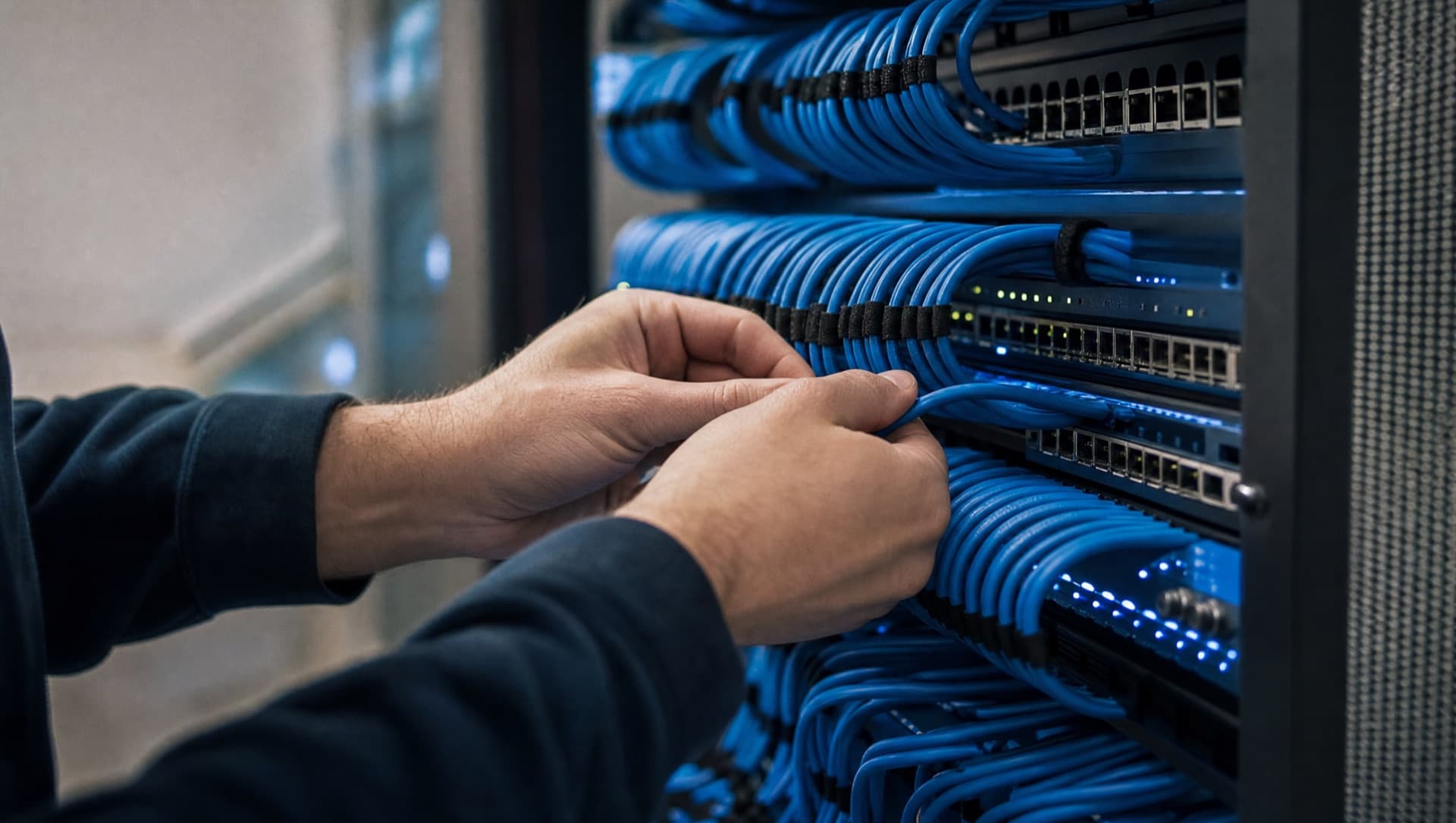
Scanners and terminals are only the visible side — behind them, the connection to the warehouse management system has to hold, often in real time, so postings arrive immediately rather than with a delay. The access points themselves should act purely as radio cells, connected to the central warehouse system through a robust, wired backbone. Where several warehouse areas or sites connect to the same system, clean network segmentation pays off, so a problem in one area doesn't automatically take the others' connection down with it.
- A wired backbone as the basis for Wi-Fi, not radio links as a stopgap
- A dedicated network segment for warehouse processes, separate from the office network
- Redundant connection to the warehouse management system where real-time postings are critical to the operation
The industry page shows which IT topics typically belong together in logistics and warehousing, from Wi-Fi to the warehouse management system.
IT for logisticsHow does goods receiving stay resilient?
Goods receiving is usually the area with the highest pace — deliveries get scanned, posted and forwarded, often minute by minute. A network outage right here immediately affects the entire downstream chain, from putaway to picking. Redundant connectivity for the core network equipment at goods receiving and a spare unit for the most important components prevent a single hardware failure from taking down the whole area. Just as important is a clear response routine: who to reach and how fast to react in a fault, so that finding the right contact doesn't cost time on its own.
- Redundant network connectivity for the critical systems at goods receiving
- Keep spare hardware for the most important components on site
- A clear, documented response routine for faults, instead of an ad-hoc search for who's responsible
What should be considered for camera surveillance at gates and loading docks?
Gates and loading docks are often the most sensitive points of a warehouse in terms of safety and insurance — most damage happens here, and the evidence matters most here in a dispute. Cameras at these points are subject to the same data protection principles as any other video surveillance: the area being filmed should be clearly defined and signposted, and publicly accessible areas beyond the property line generally don't belong in the frame. Exactly how camera surveillance is implemented in compliance with data protection in a specific case is always a question of the individual situation and should be reviewed accordingly.
Video surveillance at gates and loading docks becomes data-protection relevant as soon as people are recognizable — including employees and truck drivers. The specifics (signage, retention period, access rights) should be reviewed professionally before cameras go into operation.
What role does power for warehouse access points play?
In a hall with high ceilings and long distances, a dedicated power outlet next to every access point is rarely practical. Power over Ethernet (PoE) solves that by running power and data over the same network cable — the access point then needs only a single connection, regardless of a nearby outlet. That makes mounting on hall ceilings or steel beams far simpler and makes later expansion easier too, since no separate electrician visit is needed for every new position. It matters to size the PoE switches generously enough that full occupancy still leaves enough power available for every connected device.
- Use Power over Ethernet to run access points without separate power wiring
- Size PoE switches generously, with future expansion in mind
- Choose mounting locations where a single network cable can reliably carry both power and data
Where do media breaks between paper and the warehouse system occur?
Stable warehouse Wi-Fi is the prerequisite for capturing data where the goods are. In many warehouses, though, digitalisation still stops at the scanner: delivery notes arrive on paper or as PDFs and are typed in at the office, advance shipping notices from suppliers sit in an email inbox, dock scheduling lives in a separate spreadsheet, and shipping data is entered by hand into the carrier's portal. Each of these points is a media break where errors and waiting time creep in.
- Read advance shipping notices and delivery notes digitally and import them into the warehouse system as booking suggestions
- Connect the warehouse system and the carrier's shipping software through an interface instead of entering addresses twice
- Plan dock scheduling from the advance notice data instead of maintaining a separate list
- Use AI where documents vary in layout, for example reading delivery notes from different suppliers, with the warehouse team checking the result
Which step comes first depends on the workflow that currently creates the most rework. First understand the workflow, then choose the tool, not the other way round.
How NDVDL takes over warehouse IT
NDVDL plans warehouse IT from the shop floor up: together with the warehouse manager, we look at the routes forklifts and pickers travel, where dead spots show up today and where documents are still moving around on paper.
- 01Warehouse walkthrough with the warehouse manager and a coverage survey along the real travel routes
- 02Written proposal covering access point positions, cabling, PoE switches, network segmentation and resilience at goods receiving
- 03Implementation planned around shifts and delivery times, so that receiving and shipping keep running
- 04Ongoing operation and maintenance of Wi-Fi, switches and firewall, with documentation and one fixed contact person who knows the warehouse
If interfaces to the warehouse system or the carrier are added later, NDVDL builds on the same documentation instead of starting over.
Scanners losing connection in the aisles, or goods receiving stopping with every fault? We'll walk your real routes with you, measure the Wi-Fi and then tell you in writing what needs to change.
Request a site walkthroughFrequently asked questions
Questions about your IT infrastructure?
Talk directly to our team — no obligation, no detours.