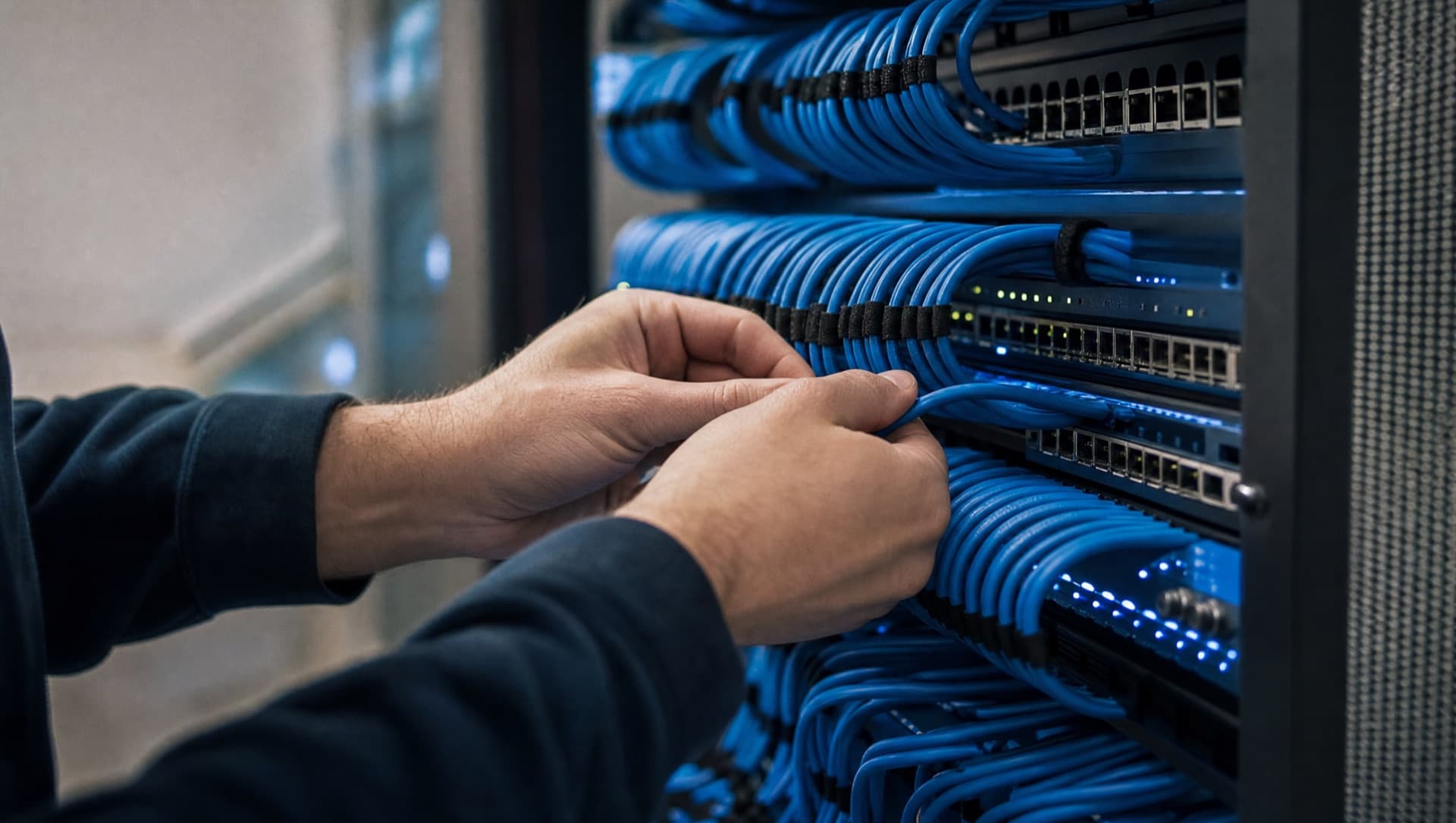
Common mistakes in networks that grew over time

The most common mistakes in company networks that grew over time are almost always the same: a flat network with no segmentation, undocumented changes, consumer hardware in critical positions, switch cascades instead of structured cabling, forgotten port forwards and – especially after acquisitions – overlapping IP ranges. None of these patterns appears in a single day. They are networks that grew over years while nobody was explicitly responsible for tidying them back up.
A flat network with no segmentation
A pattern that turns up particularly often in networks that grew over time: workstations, servers, printers, cameras, production equipment and guest Wi-Fi all sit in the same network segment and can talk to each other without restriction. You can often spot it with a single question: can a guest's laptop on the Wi-Fi technically reach the server in accounting? If the answer is yes, or nobody can answer it with confidence, the network is flat. This rarely happens on purpose – usually every new device just got plugged into the next free port, without anyone consciously deciding to run everything in one segment.
- Set up VLANs for production, office IT, guest Wi-Fi and cameras as soon as the existing switches support it
- Start firewall rules between segments restrictive and only open them when there's an actual need
- Check existing switches before buying new ones – many already support VLANs, they just aren't configured for it
Undocumented changes
A second, very common pattern is changes that were carried out correctly but never written down anywhere: an extra port forward for a project, a manually set static route, a one-off special rule in the firewall. Each individual change made sense at the time – the problem only shows up once these changes pile up over years and nobody remembers why a given rule exists at all. You can spot it by the fact that nobody in the company can produce a current network diagram that actually matches what's really running.
- Log every network change in a central document that several people can access
- Review existing firewall rules regularly and specifically question rules with no obvious purpose
- Update the network diagram after every major change, not only once it's actually needed
Consumer hardware in a critical spot
In places that actually need professional equipment – as the core switch, as the Wi-Fi access point for the whole site, as the firewall at the internet edge – networks that grew over time surprisingly often have hardware bought from a consumer electronics store. It usually got there as a quick stopgap, for example because a device failed and a replacement was needed fast, and was never swapped out for something more suitable afterwards. You can spot it by the lack of central management, years without security updates, or a device that can only be managed through a consumer-grade app.
- Put centrally manageable devices that receive regular updates in critical network positions (core switch, firewall, access points)
- Actually replace stopgap fixes once the transition period is over, instead of leaving them in place permanently
- When buying new equipment, pay attention to manageability and the manufacturer's update policy, not just the price
Switch cascades instead of structured cabling
Instead of a structured patch panel with clear connections to each area, networks that grew over time often have a chain of several switches plugged into each other one after another – switch A feeds switch B, which in turn feeds switch C, simply because there weren't enough free ports somewhere. Each individual cascade looks harmless on its own, but together they create a network where a single failure in the middle of the chain takes out several areas at once and makes troubleshooting unnecessarily complicated. You can often spot this pattern just by looking: cables running haphazardly between rooms instead of converging on a central patch panel.
- Route cabling back to one or a few central patch panels instead of chaining switches in series
- Before adding a new cascade, check whether an extra port or switch at the central panel would work better
- Connect critical areas like servers and the firewall directly to the central panel, not at the end of a cascade
A network that grew over time doesn't have to be thrown away. Our position piece explains why we would rather tidy up than rebuild.
Read our positionForgotten port forwards
A port forward gets set up in the firewall for a single, often long-finished project – an external contractor needed short-term access, a test environment needed to be reachable from outside. The project ends, the forward stays in place because nobody actively closes it again. Over the years this leaves a pile of open ports nobody needs any more but that anyone probing from outside for weaknesses will find. You can spot it in a firewall configuration that has noticeably more open rules than can be explained by the services actually running today.
- Regularly match all port forwards against services that are actually still needed
- Give every forward an end date or a clear reason from the start that triggers a later review
- Don't leave rules in place once you can no longer tell what they're for – test them specifically, then close them
Overlapping IP ranges after acquisitions
A pattern that's often overlooked in everyday operations shows up especially after taking over another site or company: both networks were built independently using the same private IP ranges. As long as they run separately, nobody notices – but as soon as the two sites need to be connected, say for shared file storage or a central phone system, the address ranges collide and nothing works as planned. You can spot the risk before the actual connection ever happens, simply by putting the IP plans of both sites side by side.
- Before connecting another site, compare the IP ranges of both networks
- When acquiring a company, agree on a shared address plan early, instead of discovering the collision only when connecting the networks
- Build new sites from the start on an IP scheme coordinated across the whole company
In practice, these mistakes rarely show up on their own. A network that has grown for years without a fixed point of responsibility usually shows several of these patterns at once – which is exactly why a structured stocktake before any larger change matters so much.
What to do if you recognise several of these patterns
None of these patterns can be fixed in an afternoon, and none of them justifies rebuilding the entire network from scratch. The more sensible route is a stocktake that first just describes what's actually there – devices, cabling, firewall rules, IP ranges – followed by prioritising based on risk and ongoing operations. Access and open ports can usually be cleaned up with fairly little effort, while segmentation and structured cabling are bigger undertakings that can still be implemented step by step without interrupting operations.
How NDVDL takes over a network that grew over time
NDVDL takes over grown networks from SMEs in Austria and Slovakia, often after a change of IT provider or when the person previously responsible is no longer available. We come on site, record devices, cabling, firewall rules and IP ranges, and document the current state before changing anything. You then get a written proposal showing which points get cleaned up first and which follow in stages.
The work is done step by step while the business keeps running. Afterwards we remain your fixed contact: maintenance, updates, changes and documentation that belongs to you. That way the patterns described here don't grow back a few years later. If you are already considering outsourcing IT completely, this stocktake puts the basis for that decision on the table.
Recognised more than one pattern while reading? Tell us briefly how your network grew – we'll arrange an on-site appointment and then show you in writing where you stand.
Arrange an on-site visitFrequently asked questions
Questions about your IT infrastructure?
Talk directly to our team — no obligation, no detours.