Maintaining automation: who looks after it once it runs?
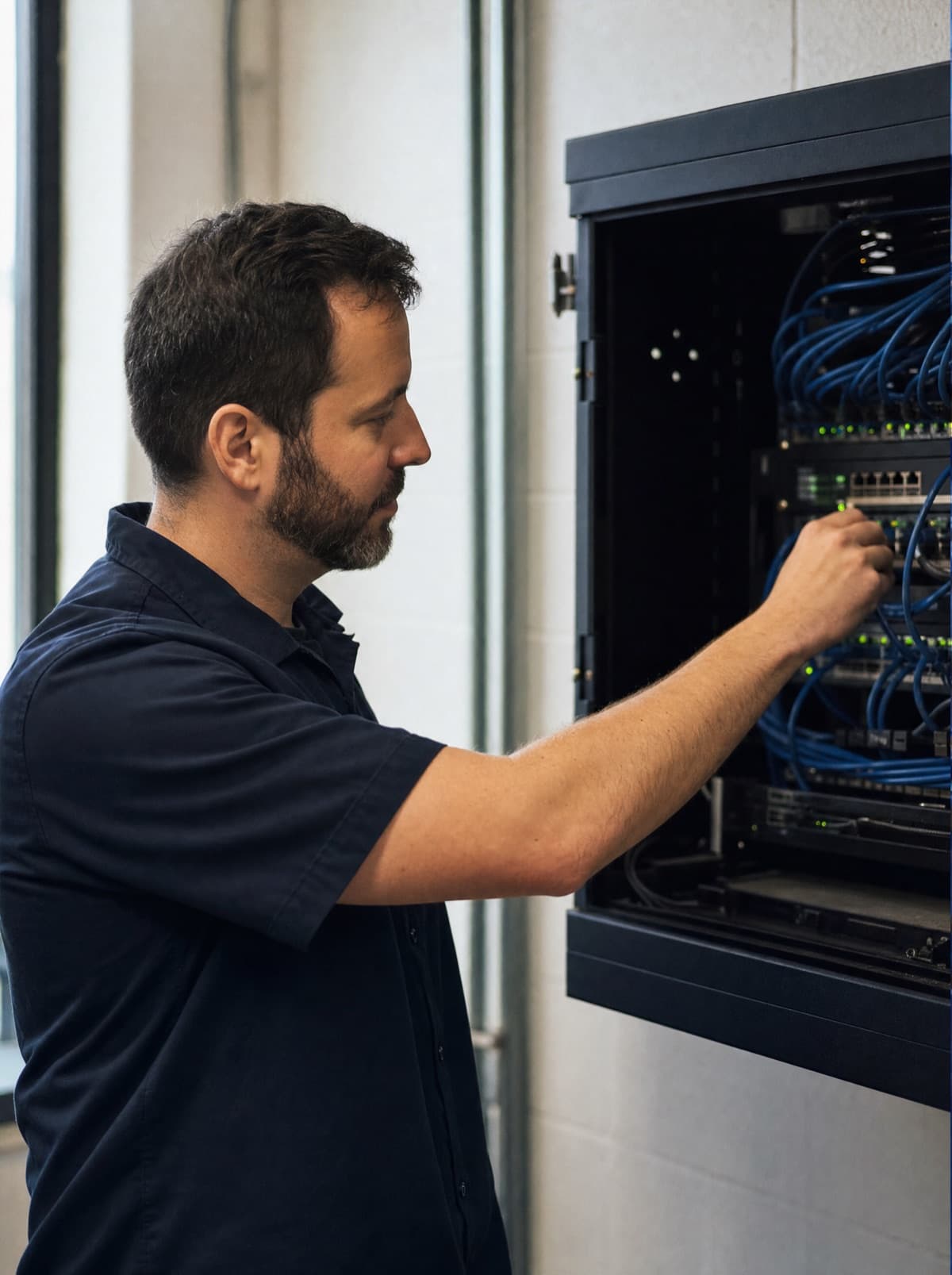
A running automation needs someone firmly responsible for it: a named person or a service provider who owns monitoring, error alerts, documentation and adjustments to changed interfaces. Automations rarely fail loudly; they fail quietly. Without clear ownership, an outage is only noticed when orders are missing, invoices pile up or a customer calls to ask.
Setting up an automation gets plenty of attention: discussing the process, choosing a tool, testing. Operating it afterwards usually gets none. Yet that is where it is decided whether the automation saves the business work for years or one day stops unnoticed and causes damage.
Why do automations break quietly?
An automation connects systems that change independently of each other. The web shop provider releases a new API version and switches off the old one. The access token for the accounting system expires after a fixed period. An application is updated and a field gets a new name. The automation itself has not changed, but it no longer fits its environment.
Many automations do not report an error in this situation. They run, find no new data and finish normally. Or they fail, but the error message goes to a mailbox nobody reads. The business only notices once the consequences become visible, often much later.
- Expired passwords, access tokens or certificates
- Changed or retired API versions at vendors
- Application updates that change fields, formats or processes
- Full disks, expired licences or cancelled accounts
- Changed business processes that were never reflected in the automation
What makes a DIY automation risky?
Many automations in SMEs are built pragmatically: a tech-savvy employee sets up a workflow in a tool, often under their own account, and it works. At first that is a gain. It becomes risky when the solution turns business-critical without anything changing in how it is operated and who owns it.
- Only one person knows how the automation works and where it runs
- The automation runs under a personal account or on a single workstation
- There is no error alert, or it reaches nobody responsible
- There is no documentation of the systems, accounts and rules involved
- Nobody knows which automations are running across the business
What does operating an automation involve?
Monitoring and alerts
Monitoring checks not only whether a run ends with an error, but also whether it happens at all and produces plausible results. An order import that transfers not a single order on a working day is suspicious, even if it technically completes without error. Alerts go to a responsible party who reads them and acts, not to a shared inbox.
Documentation
For each automation, a short record should state what it does, which systems it connects, which accounts it uses, where it runs, who is responsible and what to do when it fails. Nobody enjoys reading this documentation. In an emergency, though, it decides whether a problem is solved quickly or only after a long search.
Updates and API changes
Vendors usually announce API changes and the retirement of old versions in advance. Following these announcements lets you plan adjustments instead of repairing things under time pressure. The same applies to updates of the connected applications and of the automation tool itself: they are reviewed, tested and rolled out in a controlled way.
Clear ownership
Every automation has a named responsible party with a deputy. That can be a person in the business or an IT service provider. Ownership has to be written down and must not depend on who originally built the automation.
Want someone to reliably look after your automations, integrations and the IT behind them? Our managed IT page explains how we take over day-to-day operations.
See managed ITPractical tip: make a simple list of all automations in your business – including the small ones someone set up on the side. Just asking who would find out if each one stopped running usually shows quickly where the biggest risk lies.
How do you bring existing automations under orderly operation?
- 01Take inventory: collect all automations, integrations and scheduled tasks in the business, including the tools and accounts they run under.
- 02Assess: which workflows are business-critical, which are useful, which are no longer needed at all?
- 03Clean up: switch off automations that are no longer needed and replace personal accounts with company accounts.
- 04Document: record purpose, systems, accounts, location and ownership for every remaining automation.
- 05Monitor: set up monitoring and alerts that reach a responsible party.
- 06Maintain: follow API announcements and updates, renew credentials in time and reflect process changes.
- 07Review regularly: check at fixed intervals whether the automations still match the way the business works.
Run it yourself or hand it to a service provider?
A business can operate its automations itself if someone internally has the time, the knowledge and a deputy. In many SMEs that is not the case: the person who built the automation actually has a different job. Then it makes sense to hand operations to an IT service provider that already looks after network, servers and applications and adds the automations to its monitoring. Documentation and access stay with the business and must not be locked away at the provider. If you are still working out which workflows are worth automating in the first place, see our article on process automation for SMEs.
How NDVDL takes over running your automations
NDVDL takes over automations and interfaces even when we did not build them. First, we take stock with you on site: which workflows run, where, under which account and for what purpose. You then receive documentation that belongs to you, and a written proposal for what stays, what gets cleaned up and what should be rebuilt.
In day-to-day operation, NDVDL monitors and maintains the automations together with network, servers and applications, receives the error alerts and handles API changes, updates and credentials. You have one fixed contact person for infrastructure, interfaces and automations, and no longer need to check yourself whether today's orders came through.
Write to us which automations are running in your business, or tell us that nobody knows exactly. We take stock with you and propose how to bring their operation into order.
Have them inventoriedFrequently asked questions
Questions about your IT infrastructure?
Talk directly to our team — no obligation, no detours.